How to Get a Dental Practice on Google Maps in Ireland
When someone searches for a dentist near me or an emergency dentist, the first thing they see is not the ordinary results, it is the map with three local practices pinned to it. That block, the local pack, is where most new-patient enquiries are won or lost, and getting into it comes down to your Google Business Profile. This guide walks a practice through the whole setup: claiming and verifying the profile, choosing the right dental categories, getting your address, hours and emergency cover right, and keeping the listing active enough to hold its place. For how this fits the bigger picture, see our work with dentists.
Why Google Maps Matters Most for a Dental Practice
For a dentist, the map pack is where the everyday and urgent searches land. A patient looking for a check-up near them, or someone with a broken tooth or a throbbing abscess searching for an emergency dentist, does not scroll, they tap one of the three practices pinned to the top and ring it. A practice in that pack is seen first by the people with the most ready-to-book intent. A practice missing from it may as well be invisible for that search.
The pack is powered entirely by Google Business Profiles, not by your website, so the two are separate. You can have a lovely site and still be absent from the map. Getting onto Google Maps means getting your profile right, which is the most valuable hour of setup a dental practice can do.
Setting Up and Verifying Your Google Business Profile
Start by claiming your Google Business Profile, or creating one if it does not exist. Use your real practice name, your actual phone number and your genuine street address, since most practices work from a fixed premises patients visit rather than a service area. The same name, number and address need to match across your website and any directory listings for Google to trust them.
Then verify it. Google confirms you are the real practice, usually by post, phone or video, and until you verify, your profile will not show its full detail on the map. Verification is the step most half-finished profiles skip, and it is the one that switches the listing on. Google keeps its current guidance at support.google.com/business.
Choosing the Right Categories for a Dental Practice
Your primary category tells Google what you are, and it decides which searches you can appear for. Set Dentist as the primary. That alone makes you eligible for the core dentist searches, but on its own it caps you at general dentistry and leaves the higher-value treatments invisible.
Add honest secondary categories for the work you actually do: Dental clinic, Cosmetic dentist, Emergency dental service and Dental implants provider are the ones that matter most. Each opens you up to a class of search you would otherwise miss, so a patient looking specifically for implants, cosmetic work or a same-day emergency can find you, not just someone typing dentist near me.
Getting Your Address, Hours and Emergency Cover Right
A dental practice is judged on the practical details a patient checks before they ring. Make sure your address is exact and your opening hours are accurate, including bank holidays and any late or Saturday clinics. A patient in pain will not forgive a listing that says open when the door is locked.
If you offer same-day or out-of-hours emergency appointments, make that impossible to miss, since emergency dentist and dentist open now are among the highest-intent searches in dentistry. Flag the emergency availability clearly and make sure the phone number is one tap to call on a mobile, so there is no friction between a frightened patient and reaching you.
Photos, Posts and Reviews That Hold Your Place in the Pack
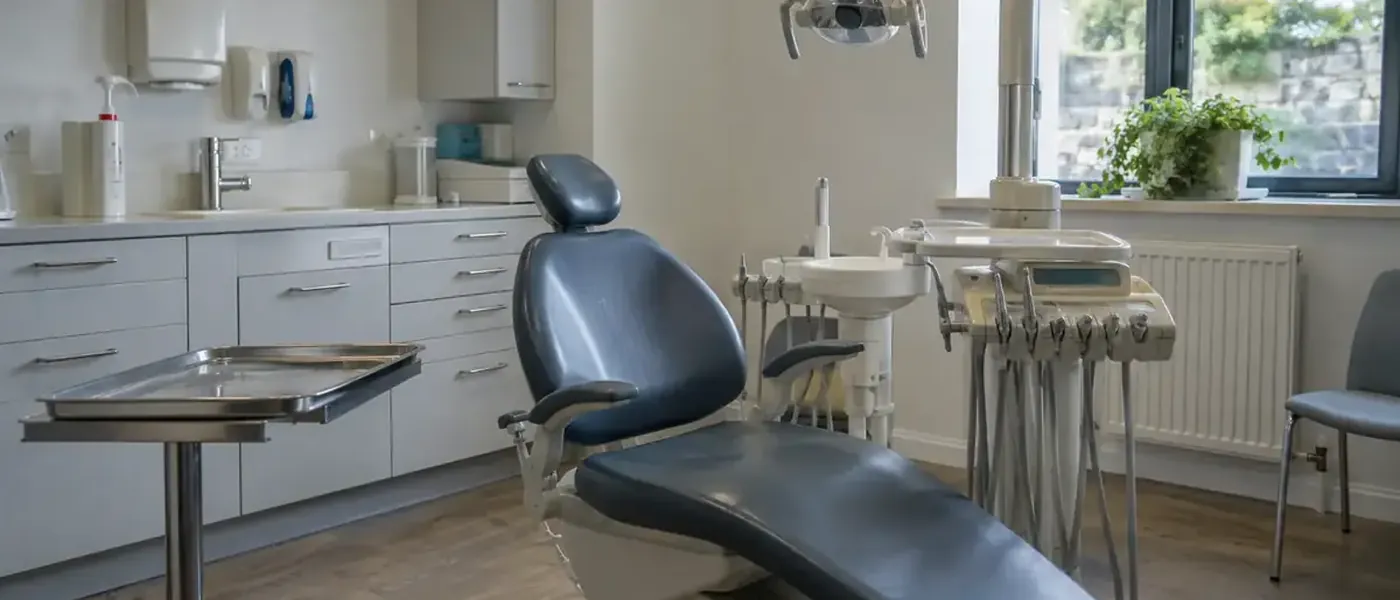
Google favours listings that look active and cared for, and for a dental practice the photos do double duty by reassuring a nervous patient. Real images of a bright reception, a calm, tidy surgery and named, smiling team members ease the dread far more than a close-up of a drill. Refresh them now and again, and use profile posts to keep a trickle of recent activity.
Reviews are the other half. A steady flow of recent, genuine reviews is one of the strongest signals for the pack, which is why it pays to ask properly after every good visit. Our guide on getting more Google reviews for a dental practice covers how, and together with a complete profile it is what keeps you in the top three.
A Dental Practice's Google Maps Checklist
Do these in order and your practice earns its place on the map.
- Claim or create your Google Business Profile with your real practice name, number and exact address.
- Verify the profile so it shows in full, the step most practices skip.
- Set Dentist as your primary category, then add Dental clinic, Cosmetic dentist, Emergency dental service and Dental implants provider.
- Get your address and opening hours exact, including bank holidays and any late or Saturday clinics.
- Flag same-day or out-of-hours emergency availability clearly, and make the phone number one tap to call.
- Add real photos of your reception, surgery and named team to reassure nervous patients, and keep a trickle of posts.
- Ask for a review after every good visit, so recent reviews keep the listing strong in the pack.
Ranksy builds websites that get dentists found on Google and ChatGPT, with a client portal to follow every enquiry. See how it works for dentists, plumbers or electricians, check the price, or ask for a free audit.